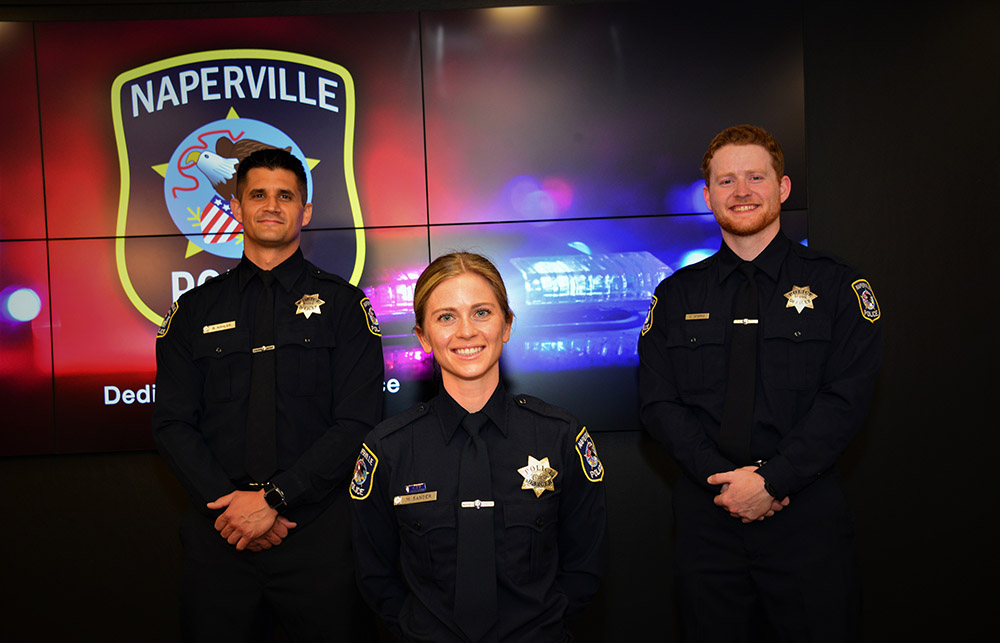
The Naperville Police Department is warning residents about a phishing scam that tricks users into installing malware by mimicking a routine CAPTCHA security check.
NPD shared the warning on its Facebook page Friday, June 19, citing guidance from the Federal Trade Commission. Unlike real CAPTCHAs, which ask you to match pictures of traffic lights or type a string of letters, the fake version instructs users to press a specific sequence of keyboard commands: "Windows + R," then "Ctrl + V," then "Enter."
Those three keystrokes open a hidden Run window on a Windows PC, paste a malicious script already copied to the user's clipboard, and execute it. The user never downloads a file or clicks a suspicious link. They run the malware themselves.
The payload has been identified as StealC malware, according to cybersecurity reporting by the Identity Theft Resource Center. StealC operates silently in the background and harvests saved passwords, browser login sessions, autofill data, bank credentials, and cryptocurrency wallet details, according to a Fox News report citing security analysts.
The FTC, which published its consumer alert on June 8, said a legitimate CAPTCHA will never ask you to open a command window or use keyboard shortcuts.
What to do if you think you've been hit
The FTC advises residents who may have fallen for the scam to:
- Disconnect from the internet immediately to block the attacker's access.
- Run a full security scan on the device.
- Update all software.
- Change passwords and enable two-factor authentication from a separate, uncompromised device.
Report suspicious CAPTCHA pop-ups to the FTC at ReportFraud.ftc.gov.